Field Guide / Hunting Tips
How to Find Hunting Land Using a Hunting App





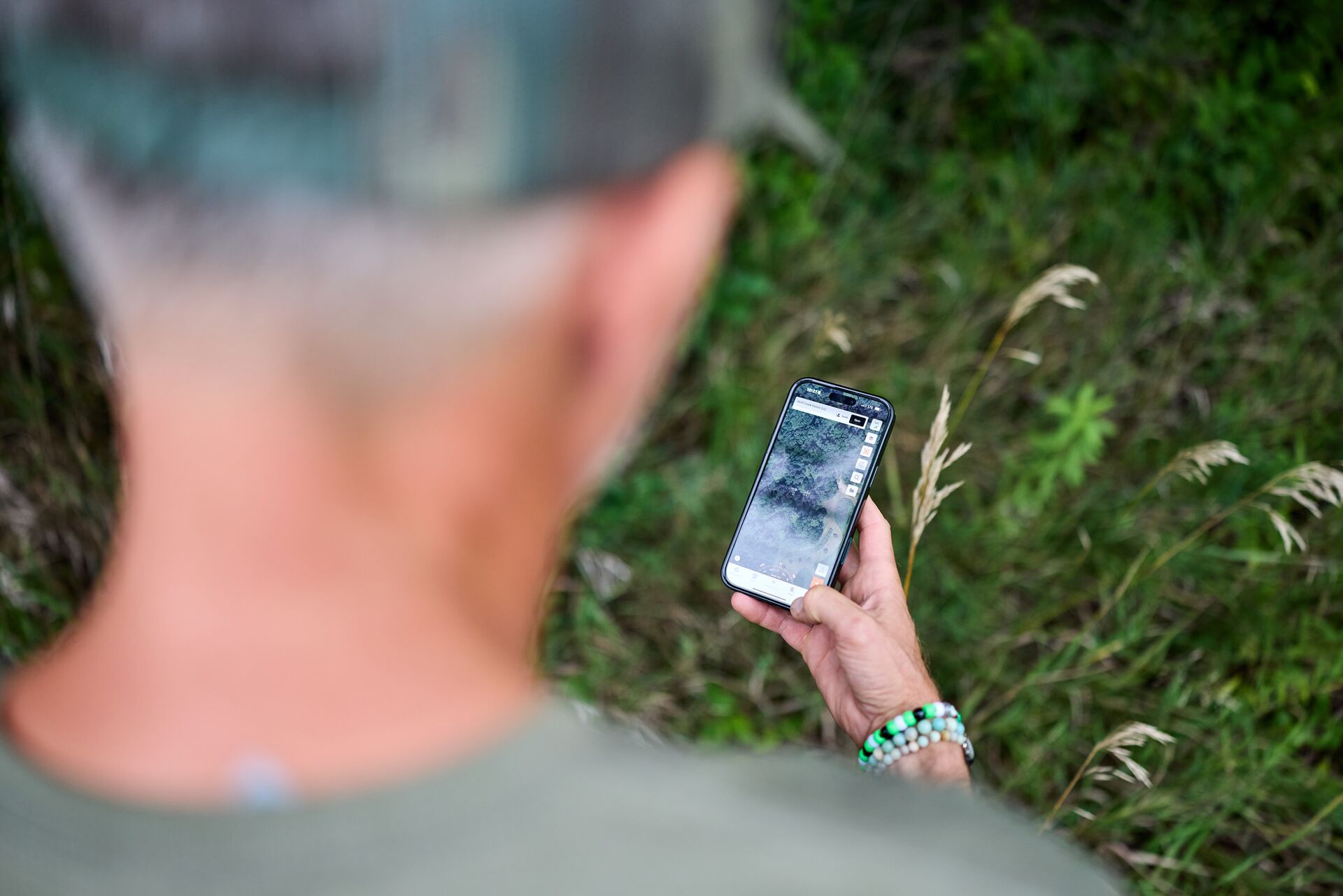
To find hunting land, use a hunting app to locate public and private land, identify habitat and travel corridors, and analyze wind, weather, and terrain features. Hunters can use mapping layers, land ownership data, and scouting tools to plan access routes, mark sign, and choose the best locations to hunt.
Successful hunts are rarely the result of pure luck. More often than not, successful hunts are the payoff from hours spent preparing and planning long before opening day.
Thanks to advances in modern technology, that preparation now looks a lot different from what it did even a few years ago. Today’s hunters have powerful tools in the palm of our hand; land apps like HuntWise can turn your phone into a scouting machine.
From marking stand locations, topographical changes, and property boundaries to analyzing scent drift, weather forecasts, and animal movement patterns, e-scouting has revolutionized the way hunters approach the field, making now the time to hunt smarter, not harder.
Here's how to use a hunting land app to find where to hunt this season!
Updated April 24, 2026
How to Find Hunting Land with a Hunting App
Now that I’ve covered why you should be using these hunting land apps, I’ll share with you how I find hunting land using the HuntWise app to get the most out of every time I go afield.
Step 1: Locate Public and Private Hunting Land
If I am hunting public land, I start out by using HuntWise’s mapping layers to highlight public lands such as state WMAs or federal tracts of land administered by agencies like BLM and the U.S. Forest Service.
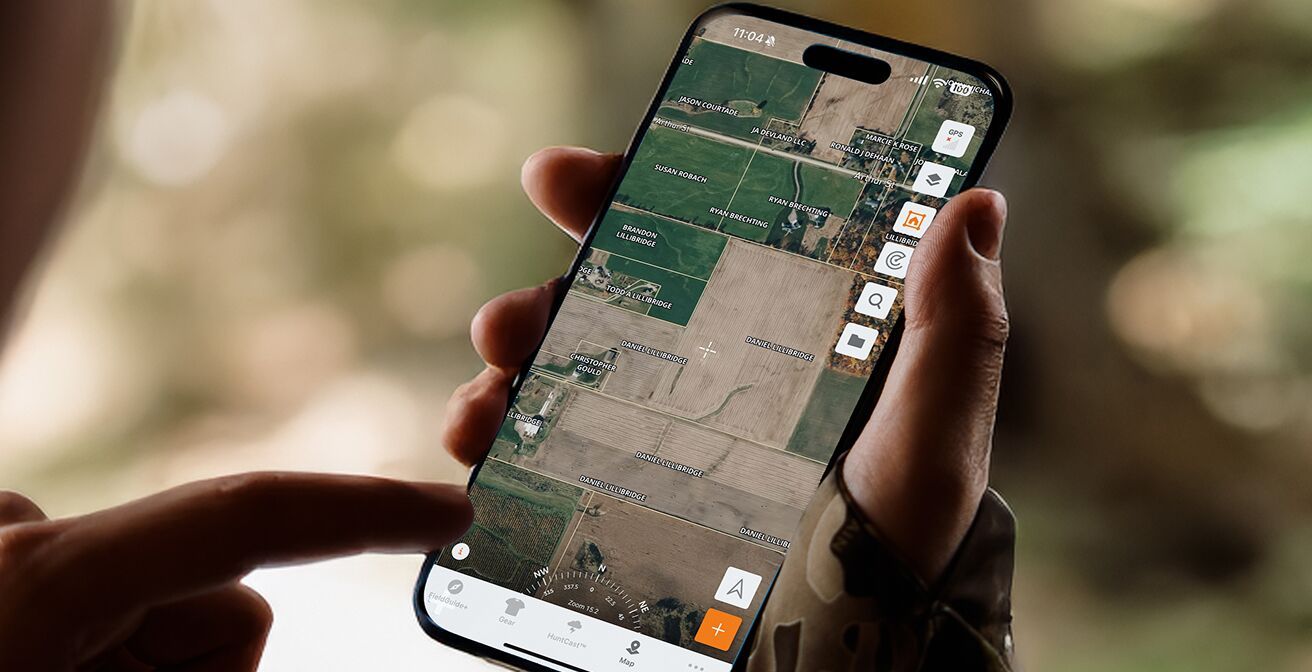
Then, if I am targeting a private parcel, landowner information is available to help easily connect for potential knock-and-talk access. Zooming in to specific spots on the map gives me a better look at property boundaries and terrain features, like benches, funnels, water sources, or crop fields.
Step 2: Use the Property Boundaries and Ownership Info
Tapping on the Property Lines Information icon gives me the ability to view a parcel’s landowner name, the property’s acreage, and phone records. This information helps me get in contact with them to get permission to hunt.
These land map boundaries also help avoid any potential trespass issues, especially if there are no clearly marked boundaries while in the field.
Step 3: Identify Habitat and Game Movement Patterns
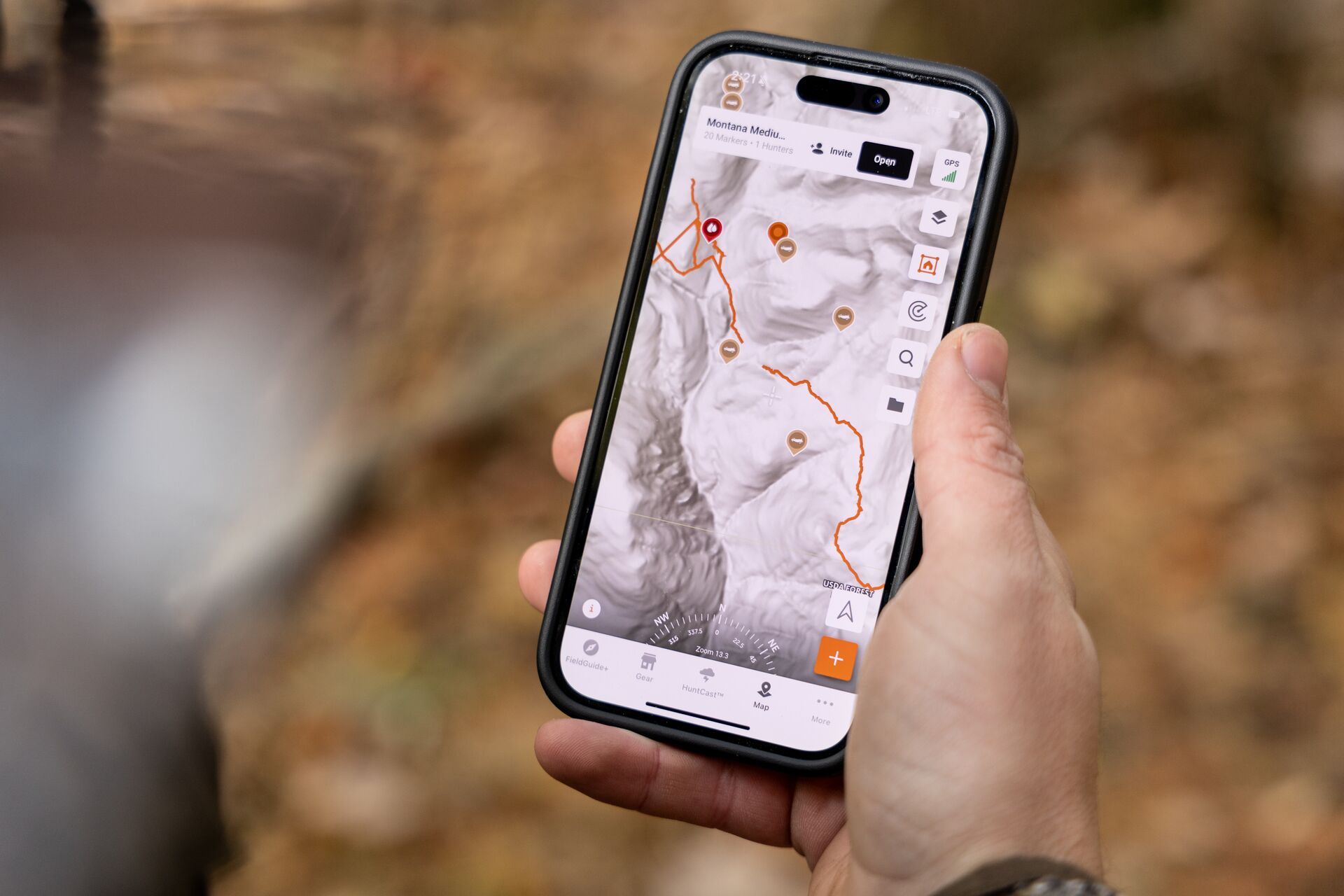
I like to toggle between various topographic and satellite layers to locate potential bedding areas, water sources, feeding zones, and travel corridors between them. The Hillshade (LiDAR) layer allows me to see under the tree canopy for any logging roads or land features that may be hidden under vegetation cover that can serve as access in and out, or hidden impoundments that could serve as small tucked-away waterholes.
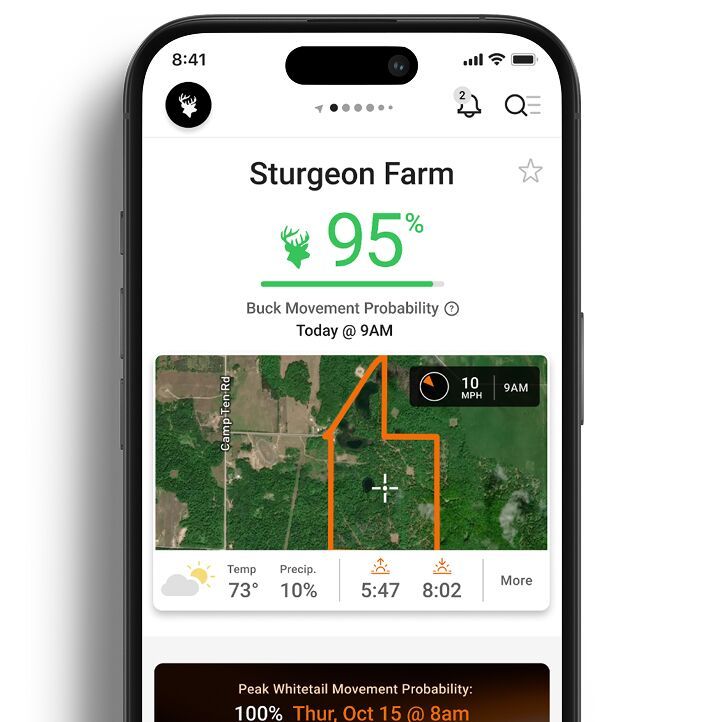
Now that I can see where I think animals may be moving, pairing these with HuntWise’s HuntCast prediction lets me figure out when animals may be most active in those areas.
Step 4: Optimize Stand Location with Wind and Weather Tools
HuntWise’s WindCast tool shows which direction the wind is blowing over your stand locations. Use this tool to help plan entry and exit routes and to be aware of which direction your scent drifts downwind to minimize spooking game.
Accurate weather forecasts help me to decide the best days and times to plan a hunt.
Step 5: Mark, Share, and Plan Your Hunt
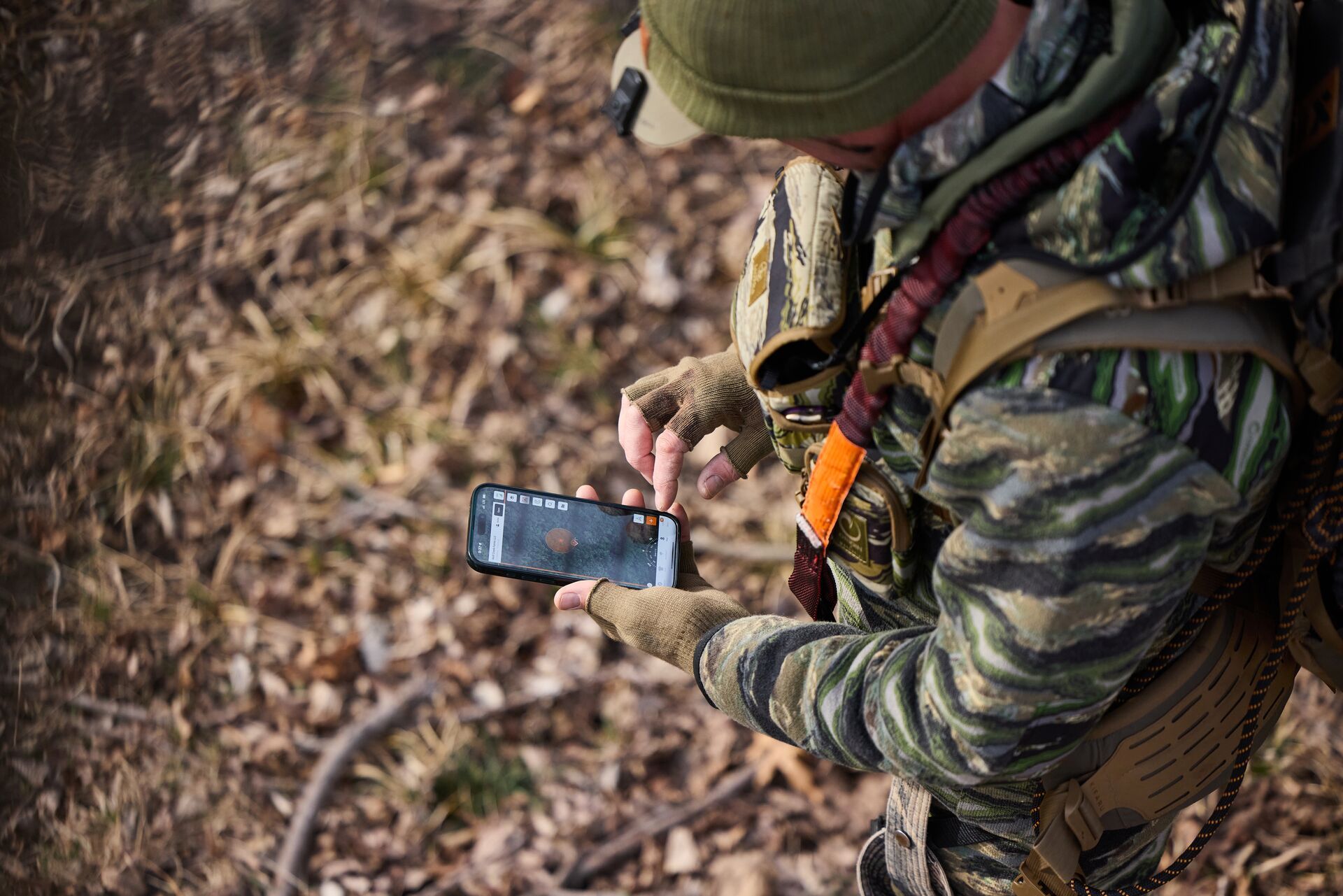
Dropping pins for trail cams, rub lines, scrapes, blinds, and stands gives me a better understanding of how all of these pieces of the puzzle are connected. Saving photos and using color-coded markers for scouting notes keeps all of my information organized and easy to access, and I can utilize the information in the field quickly.
Then, sharing maps is easy with my hunt group and helps us plan our hunt with in-app messaging.
Step 6: Use HuntCast to Time Your Hunt
HuntWise uses algorithm-driven predictions based on moon phase, changes in barometric pressure, as well as historic movement data to highlight when the best times for you are to be in the field, like the first sunny day after a cold front blows through when chasing mature bucks.
This algorithm helps me prioritize what days to schedule my high-value hunts for when I’ve got the best chance at my target buck. You can bet when HuntWise says I need to be in the field, I’m cashing in some of my vacation days or calling in sick to work, because "buck fever" is a real illness, after all.
Don't Forget the Community Features in Your Feed
As if all of the mapping, marking, weather, and animal movement prediction features aren't enough, connect with other HuntWise hunters in the app's community.
See what other hunters are up to in your neck of the woods or even around the country by checking out the social aspect of HuntWise. Sharing your scouting reports and trophy photos helps to build up our outdoor community. And you never know, you might even make a new hunting buddy in the process.
Why Use a Hunting Land App Like HuntWise?
E-scouting saves you both time and gas by letting you digitally scout areas to target before beginning your boots-on-the-ground scouting efforts.
One of the greatest uses of these maps is the ability to find public and private land access points while at the same time seeing real-time wind, weather, and deer movement predictions to help time your access to and from without spooking game. Communication functions (like in-app contact information) also help streamline how to communicate with landowners. The app also offers the ability to drop and share map pins with your hunting buddies.
It's the Modern Way to Scout
Traditional scouting has evolved with digital tools, but at its heart is still the same function to find the best places to hunt.
Before modern e-scouting tools, paper topographic maps or film aerial survey photos had to be found at your county courthouse or local forestry office, and then cross-referenced against tax records for land owner information. Now, hunting land apps like Huntwise offer high-quality satellite imagery overlaid with the same up-to-date land ownership information, but enhanced with additional features, like hunting zones and animal movement predictions.
Scout and Hunt Smarter with the HuntWise Hunting Land App
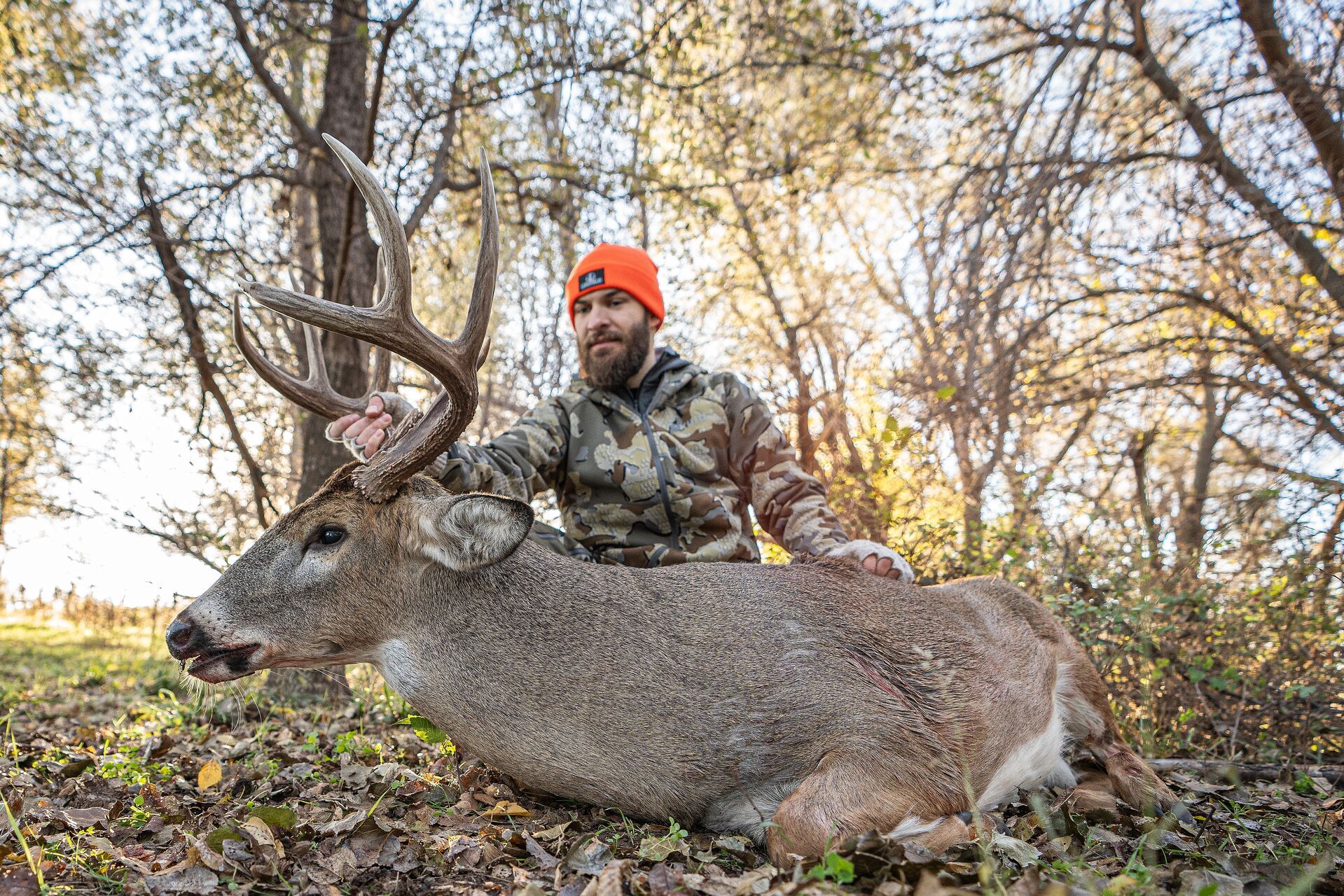
Technology doesn’t replace woodsmanship, but a hunting land app like HuntWise can help us hunters get the most out of our time spent in the woods. With cutting-edge maps and layers, animal and weather forecasting, and ideal wind insights, HuntWise helps you be in the right place at the right time for a successful hunt!
HuntWise gives you the tools to help put you in the right place at the right time to fill your tag this season with the best real-time, layered intelligence.
Hunt smarter with HuntWise this season! Download the app and enjoy your first week free.
Previous in Hunting Tips
More Content Like This
How to Hang a Hang-On Tree Stand
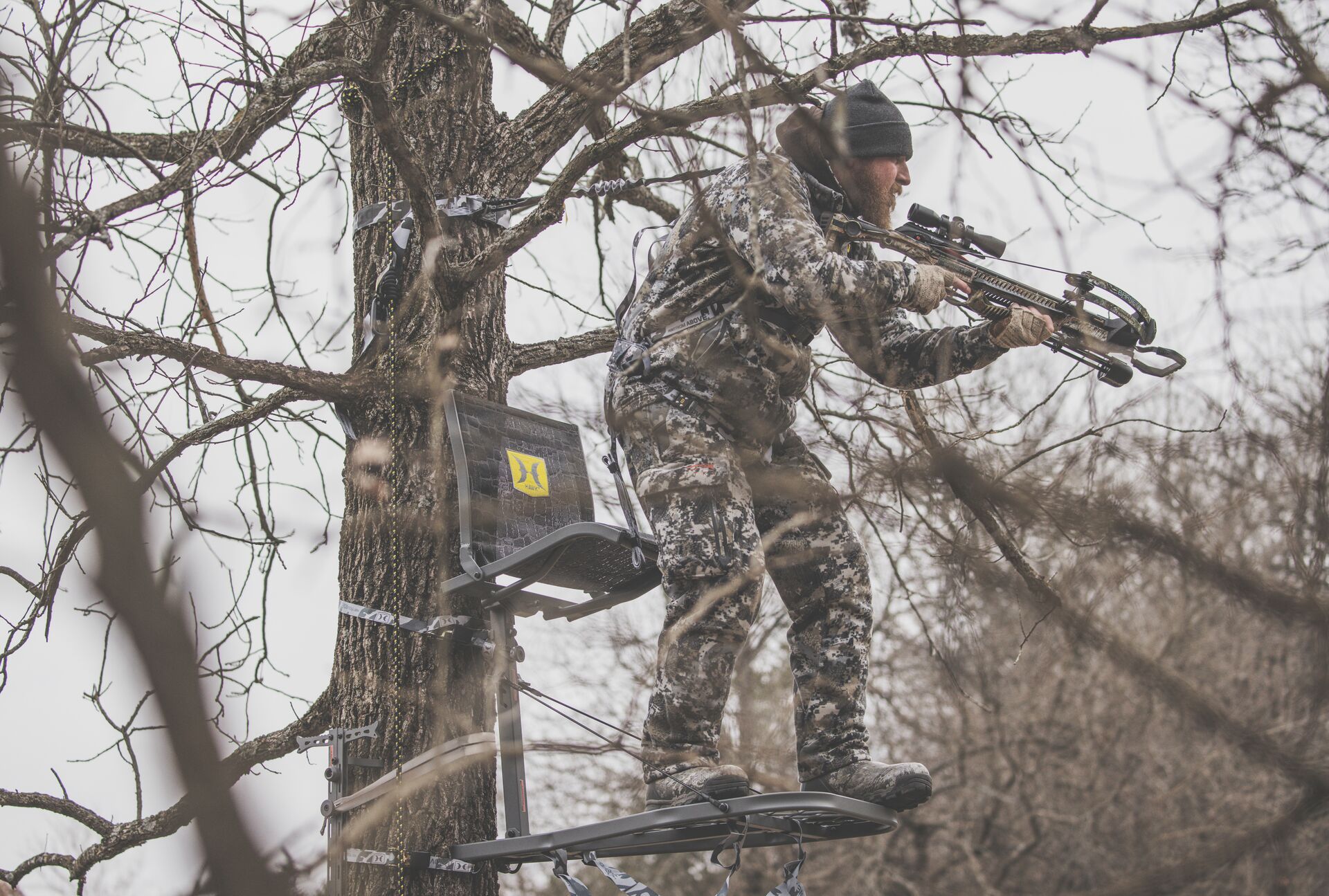
Many hunters prefer hunting above the ground. During deer season, this elevated position can give you an advantage over conditions on the ground that could spook a big buck cruising into your sights – whether it’s your scent or even the slightest mov...Read More
Read More
How to Get a Georgia Hunting License (and When to Get It)
Georgia provides endless opportunities for hunters looking to enjoy varied environments and species. Whether chasing whitetail deer in the fall across the Blue Ridge Mountains or duck hunting on calm and quiet mornings, there's something for every ty...Read More
Read More
How to Plan Your Hunt With a Hunting App: Clearer Paths to Tag Out
We've talked about the advantages of using a hunting app, but how can you practically plan your hunt using one? Read More
Read More- Hunting Tips
How to Hang a Hang-On Tree Stand
Many hunters prefer hunting above the ground. During deer season, this elevated position can give you an advantage over conditions on the ground that could spook a big buck cruising into your sights – whether it’s your scent or even the slightest mov...Read More
Read More - Hunting Tips
How to Get a Georgia Hunting License (and When to Get It)
Georgia provides endless opportunities for hunters looking to enjoy varied environments and species. Whether chasing whitetail deer in the fall across the Blue Ridge Mountains or duck hunting on calm and quiet mornings, there's something for every ty...Read More
Read More - Hunting Tips
How to Plan Your Hunt With a Hunting App: Clearer Paths to Tag Out
We've talked about the advantages of using a hunting app, but how can you practically plan your hunt using one? Read More
Read More
1 of 3